first hide the layers of everything you don’t want to put the effect on and make a new, blank layer over everything else
then press command+alt+shift+E to make a merged copy of those visible layers. double clicking that layer will make the “layer style” window pop up, and you can deselect the G and B channels
use the command+T hotkey and your arrow buttons/mouse to move the top layer and get the effect! you can move it as much as you want (here i moved it farther to the right)
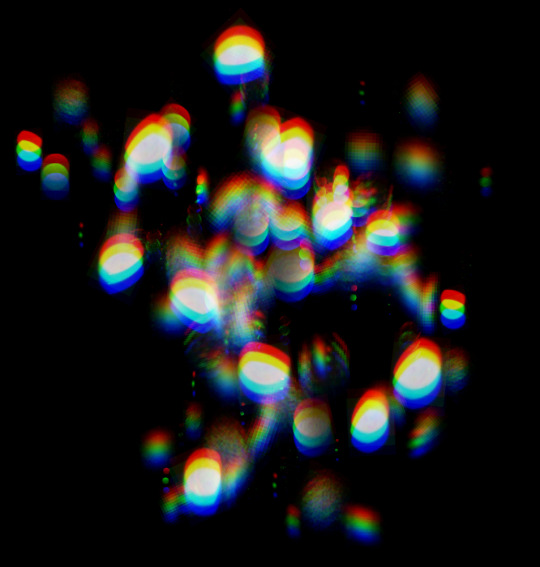
Hello! this is an effect I see in a lot of artworks and that I use a lot, I tend to see new/younger digital artists (even others who are more experienced) asking me and others quite often how to do it but there doesn’t seem to be many tutorials for how to do it, especially not for Clip Studio Paint. I’m going to try to keep this simple as possible, cause it confuses tf out of me and i only just now learned how to do it in CSP lol
*This can also be/is usually done in Photoshop, but not everyone has photoshop, and there are already tutorials for it I think! Do what u gotta do!


 tumblr backup